Which Polymaker filament should you buy? An evidence‑led guide
This article contains affiliate links. We may earn a commission if you buy through them.
You’ve got an open‑frame printer on the bench and a shortlist of parts to make: a cosplay prop for the weekend, a bracket near a warm windowsill, maybe a sun‑exposed clip for the yard. Picking the right polymaker filament determines how quickly you get a clean first print and whether the part holds up in the real environment.
The fastest path is to choose by environment and function, then apply the brand’s published settings and official presets. Below, we map common projects to one Polymaker line, explain what changes in practice, and note the tradeoffs you’ll accept for outdoor use, heat, or a particular surface finish.
Pick the right polymaker filament for your project
Start with where the part will live. Indoors at room temperature with style as the priority? Reach for a PLA from the Panchroma family. Tougher parts that see mild heat or occasional damp? PETG is a straightforward step up. Printing inside an enclosure for higher heat resistance? ABS or ASA may be your path, with ASA preferred outdoors. If you want PLA‑like printing but stronger impact and heat stability, consider HT‑PLA Pro.
Use PLA for fast, easy prototypes. Polymaker positions PLA as the easiest to print and offers a broad palette for everyday parts and decorative models. When your goal is fast iteration on an open‑frame printer, PLA keeps the process simple while you refine the design.
When parts must tolerate knocks or a warm, ventilated area, PETG can help. The brand frames PETG for tougher parts with some tolerance to damp or mild heat. It remains approachable on open‑frame machines while trading a little surface crispness for durability.
ABS serves heat‑resistant applications but is presented for enclosed printers. If your printer lacks an enclosure, plan to upgrade or choose a material that fits your setup rather than forcing ABS on an open frame.
Choose ASA for direct sun exposure. ASA is described as ABS‑class performance that survives sun and rain, making it the brand’s outdoor pick for clips, housings, and signage that see UV and weather.
Need more durability without changing your hardware? Consider Polymaker HT‑PLA Pro. It prints with standard PLA settings yet adds higher impact strength and heat stability. For parts that must resist deformation while bearing load at elevated temperatures, follow the annealing guidance listed on the product page. Visit Polymaker to browse these materials and pick the line that matches your environment.
Polymaker lines explained: materials and use cases
Here’s how the main material families are positioned, plus how finish‑focused PLAs and HT‑PLA Pro slot into real projects. Use these distinctions to decide what you gain—and what you give up—when you prioritize surface, speed, heat stability, or weather exposure.
PLA families: Basic, Matte and Translucent
Panchroma covers several PLA families. Basic PLA is the everyday workhorse for models, brackets, and prints where ease and speed matter; it lists a starting window of 190–230 °C on the nozzle, 25–60 °C on the bed, and supports high speeds up to 350 mm/s. The color range is wide—28 options on the current store page—so it’s a straightforward first pick for prototypes and décor.
Panchroma Matte PLA focuses on appearance. It runs with PLA‑like settings (190–230 °C, 25–60 °C bed) and supports up to 300 mm/s. The muted, low‑gloss surface helps hide small artifacts on shallow curves and chamfers. Matte hides layer lines, which is useful for props and presentation models that need a professional look right off the plate. The palette is expansive, with 51 listed colors.
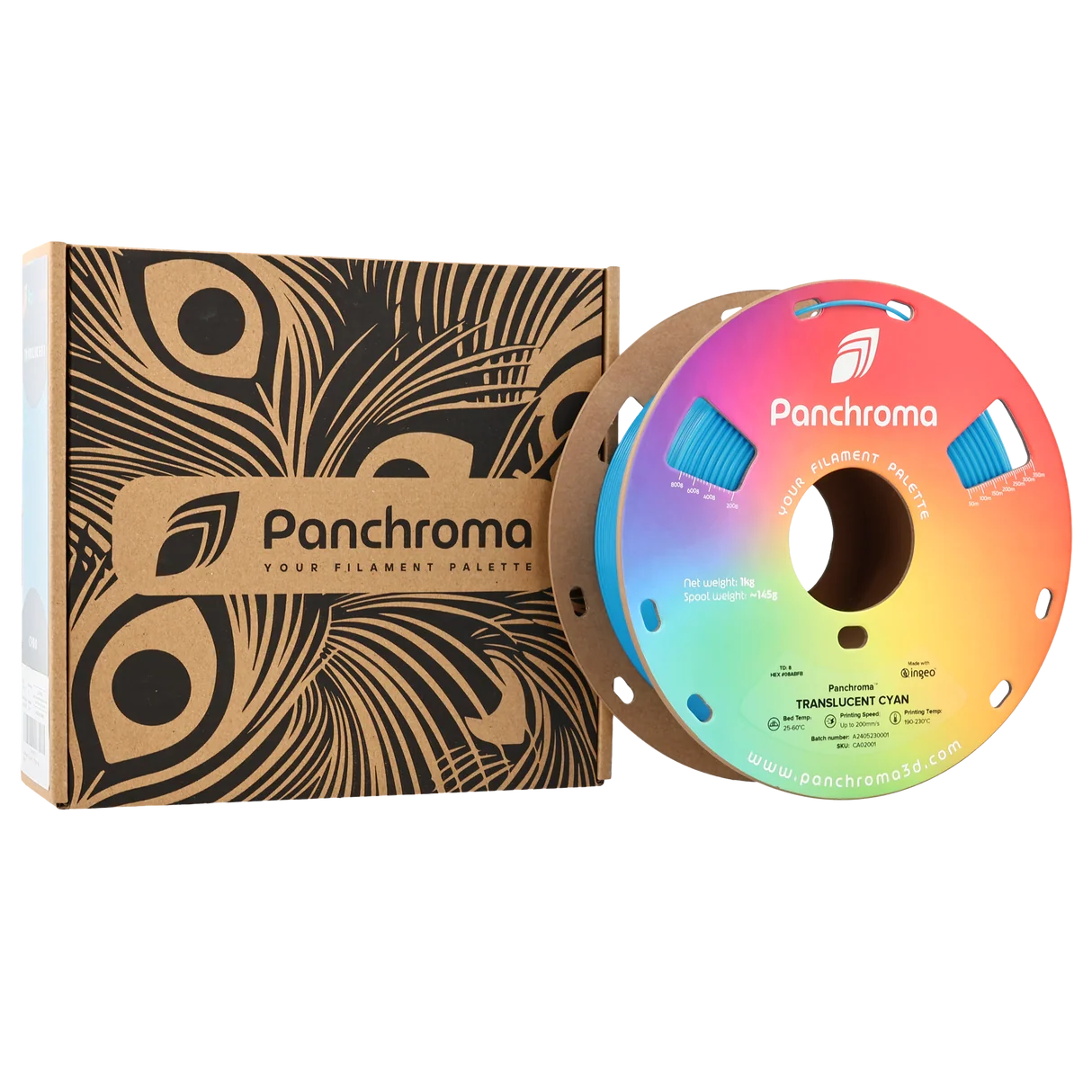
Panchroma Translucent PLA is tuned for thin‑wall or single‑wall effects. It uses familiar PLA settings (190–230 °C, 25–60 °C bed) and lists speeds up to 200 mm/s. The translucency reveals wall thickness and internal structure, which can be a design feature in lampshades, vases, and panels. When you want the look to carry the part, these finish‑focused PLAs save time versus paint and post‑processing.
HT‑PLA Pro for heat‑ready PLA parts
HT‑PLA Pro exists for makers who like PLA’s predictable printing but need stronger parts and better heat stability. Polymaker specifies PLA‑style hardware and a recommended 230 °C nozzle temperature, with a 25–65 °C bed, fan on, and speeds up to 300 mm/s. That makes it approachable on open‑frame printers without special nozzles or heated chambers.
The brand also publishes a clear path to higher thermal performance when parts carry load at temperature: anneal for 30 minutes at 100 °C to raise the measured heat deflection temperature at 0.45 MPa from 56.3 °C to 107.6 °C. This is the practical difference for a bracket near a sun‑warmed window or a jig that sits by warm equipment.
Surface character depends on heat. At 230 °C Polymaker notes a semi‑gloss look; printing nearer 210 °C can make the finish more matte but may reduce part strength. Decide by use case: keep the higher nozzle temp when impact or interlayer adhesion is your priority.
PETG, ABS and ASA at a glance
Beyond PLA, Polymaker positions PETG, ABS, and ASA as steps toward tougher or outdoor parts. PETG is framed for stronger, more durable pieces with some tolerance to damp and mild heat. ABS is for heat‑resistant parts on enclosed printers. ASA—the outdoor specialist—is described as ABS‑class performance that survives sun and rain, making it suitable for clips and housings exposed to UV.
For engineering projects, the Fiberon range brings carbon‑ and glass‑fiber reinforcement across selected polymers (e.g., PET‑CF, PA6‑CF). Reinforcement can raise hardware demands and wear nozzles faster, so plan for a hardened nozzle and tuned temps if you go that route.
As you choose, weigh tradeoffs: finish‑first PLAs optimize appearance and speed; HT‑PLA Pro prioritizes impact and thermal stability while staying easy to print; ASA trades some ease for weather durability. Translucent highlights light effects for designs that rely on glow or internal structure.
Print settings and official presets: start on solid ground
Reduce guesswork by starting from the brand’s baseline. Polymaker links official slicer profiles on its product pages and references presets at presets.polymaker.com. Import a matching profile, verify the filament and nozzle diameter, and print a small calibration part before you scale up. Import official presets before tuning.
For HT‑PLA Pro, Polymaker recommends a 230 °C nozzle, a 25–65 °C bed, fan on, and speeds up to 300 mm/s on standard hardware—no enclosure or specialty nozzle required. The product page also explains that annealing is required when the part must resist deformation under load at elevated temperatures. The brand’s guidance calls for 30 minutes at 100 °C to raise the measured HDT (0.45 MPa) to 107.6 °C. Anneal only when the use case needs it, since it adds time and may introduce slight dimensional changes you should account for in your model.
Panchroma PLAs share familiar windows: Basic and Matte list 190–230 °C on the nozzle, 25–60 °C bed, full cooling, and high print speeds (up to 350 mm/s for Basic and 300 mm/s for Matte). Translucent lists up to 200 mm/s and encourages thin‑wall designs because internal structure remains visible. When you want a more matte look on HT‑PLA Pro, dropping to ~210 °C can soften sheen, but Polymaker notes that the lower temperature may reduce strength—so make that choice only when appearance is the priority.
If you’re setting up a new printer, consider browsing Polymaker’s product pages for the exact line you chose and the current preset references before you start longer prints.
Surface finishes and color families that shape the look
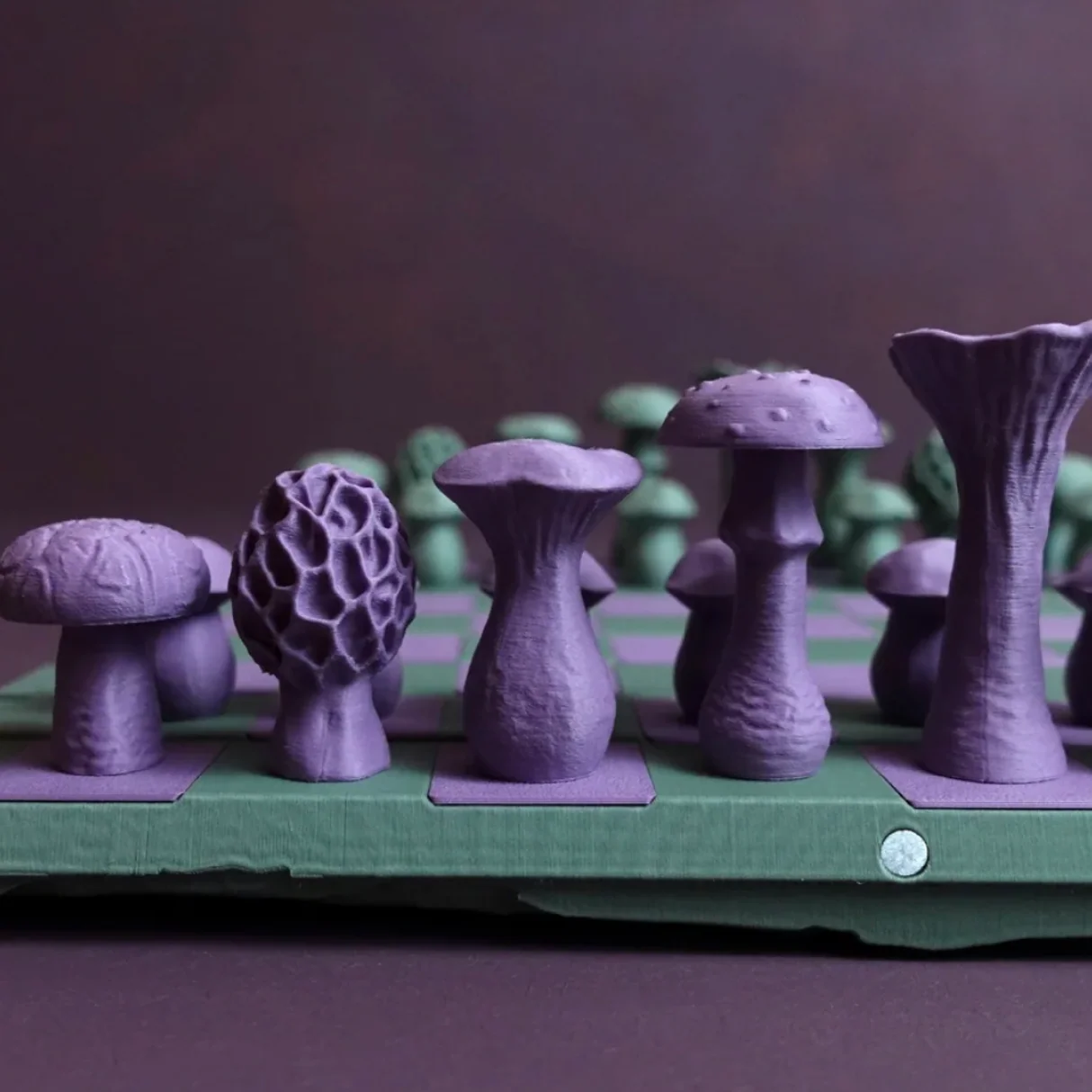
When the part will live indoors and the look matters most, finish and color often decide the spool. Panchroma spans more than 17 surface effects across the family—matte, silk, metallic, glow, and more—so you can select appearance without changing your printer setup.
Basic PLA lists 28 colors for everyday models. Panchroma Matte PLA expands to 51 colors, making it easier to match props and décor without paint. Panchroma Translucent offers 13 colors designed to glow when lit and to show internal structure—great for vases, edge‑lit panels, and lamp projects. Translucent rewards thin‑wall designs, so plan your perimeters and infill accordingly.
Want to reduce packaging waste and keep storage simpler? Polymaker now offers refills across Basic, Matte and Silk collections, so you can reload a reusable spool. Refill options reduce packaging waste and make it easier to keep a broad palette on hand. Browse the Panchroma lines at Polymaker and pick the surface and color that best support your model’s intent.
Where to buy in the US and what to expect
Buying direct gives you the store’s stated timelines and policies in one place. Multiple product pages list a delivery time of 5–10 days, and the store states a 40‑day return window. These are general expectations; always check the specific item page you’re ordering from for the current details. The store lists a 40‑day return window and Check the item’s listed delivery time before you buy.
Polymaker notes that materials are developed and produced by JF Polymers and that the store sells direct, which keeps product information, profiles, and support together. If you prefer that clarity over marketplace listings, visit Polymaker after you’ve chosen the line that fits your project.
Troubleshooting and care: drying, adhesion and storage
Good storage and a few simple checks prevent most print issues. Keep spools sealed when not in use, and dry only if you see stringing, popping, or rough surfaces that indicate moisture. PLA pages list 55 °C for 6 hours as a typical drying recipe when moisture is present. HT‑PLA Pro’s page specifies 60 °C for 6 hours if needed.
Bed adhesion tips on Polymaker’s PLA pages include using glue on PC or textured PEI and allowing the plate to cool before removal. Let the bed cool before removal to avoid scarring the surface or deforming the part while it is still warm.
For HT‑PLA Pro, save annealing for parts that must hold shape under load at higher temperature. Annealing adds time and can shift dimensions slightly, so confirm fit on a small test piece before you heat‑treat a full‑size print. Dry only if moisture is present, and re‑bag spools promptly to slow reabsorption.
Is Polymaker a good fit for you?
If you value consistent spools and clear data, Polymaker highlights two quality anchors: each batch is measured for diameter accuracy and checked for color consistency before shipping, and the materials meet RoHS and REACH with ISO 9001‑certified production. For makers, that lowers the chance of chasing settings changes between colors or lots.
As to material choice, keep it practical: Match the material to the environment. For room‑temperature, presentation‑first parts, a Panchroma PLA makes sense. When impact and moderate heat matter on an open‑frame printer, HT‑PLA Pro offers a capable step while staying easy to print. For sustained sun and weather, ASA is the outdoor choice—just plan for an enclosure if your printer needs it. Whatever you pick, Use brand data to reduce trial‑and‑error: start with the official preset or print window, validate with a quick calibration piece, and then move to the full part.
Next step: confirm your printer setup (nozzle, bed surface, enclosure) and project environment (room, window sun, outdoors). If your part will see direct sun or bear load near heat, shortlist ASA or HT‑PLA Pro; otherwise, choose the PLA that delivers the finish you want. When you’re ready, visit Polymaker and look for the specific line that matches your decision.